Yearly
AU$49.99/ year
About AU$0.96/week · billed yearly
7-day free trial for eligible subscribers
Get the app

PHONE DOWN. BE PRESENT.
Pause distracting apps.
Make more room for time
with your children.

SIMPLE BY DESIGN
A little help putting your phone aside.
More space for the people beside you.
Pick the apps that pull you in, like social media, video or games. Everything else keeps working as normal.
Use Plan ahead for mornings, mealtimes or weekends. Or start a session with one tap, whenever you like.
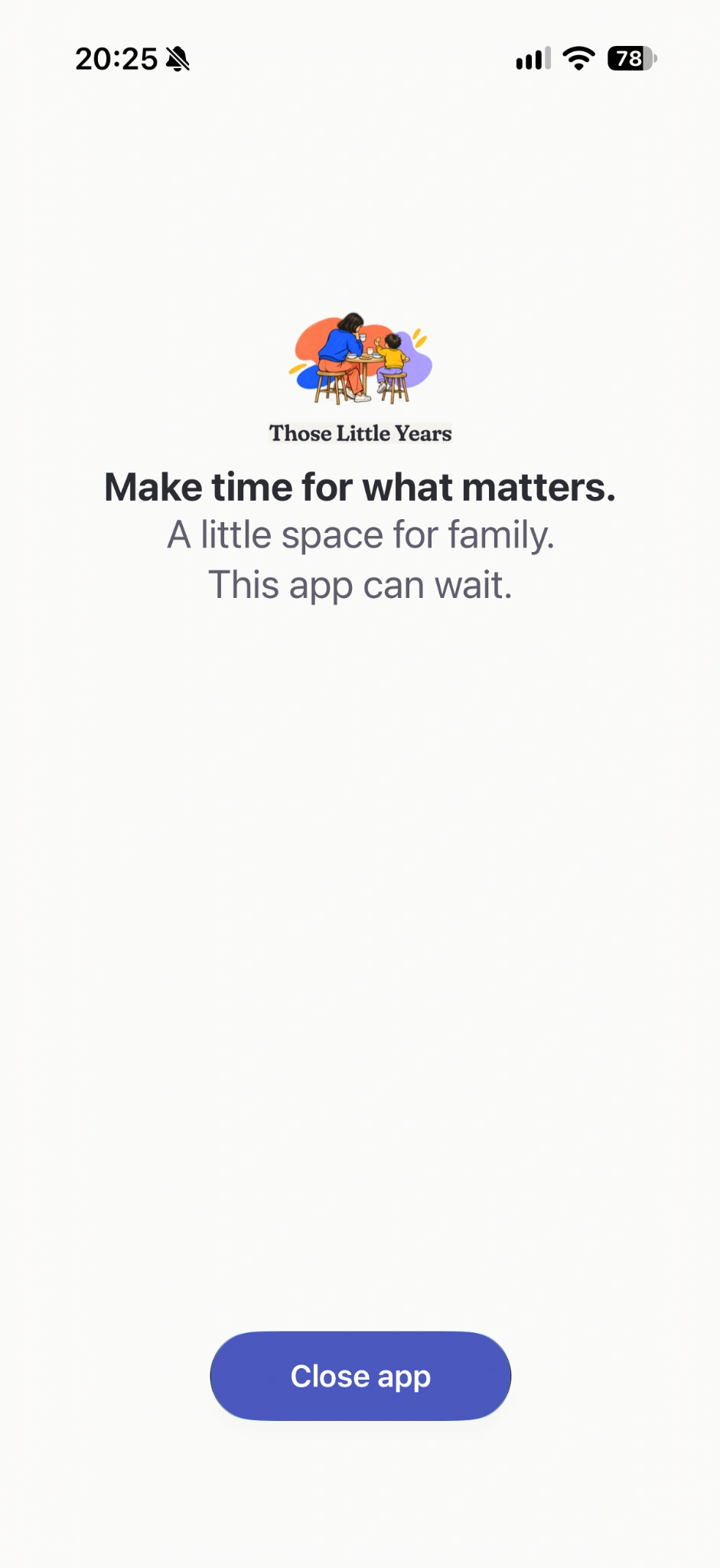
Your selected apps are paused. A gentle family-time message reminds you why you put them aside.
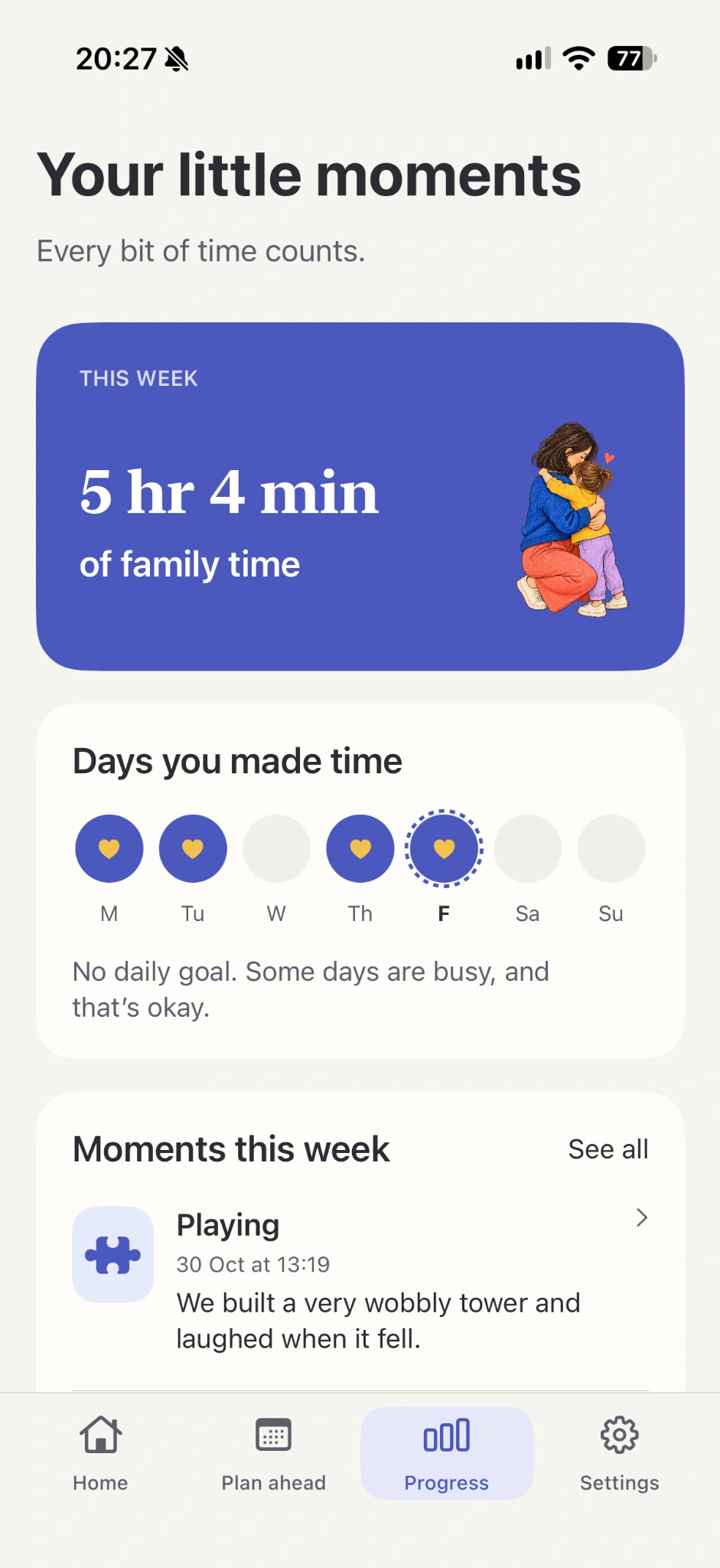
Progress shows your family time and the days you put your apps aside. Every bit of time counts.
A few things to know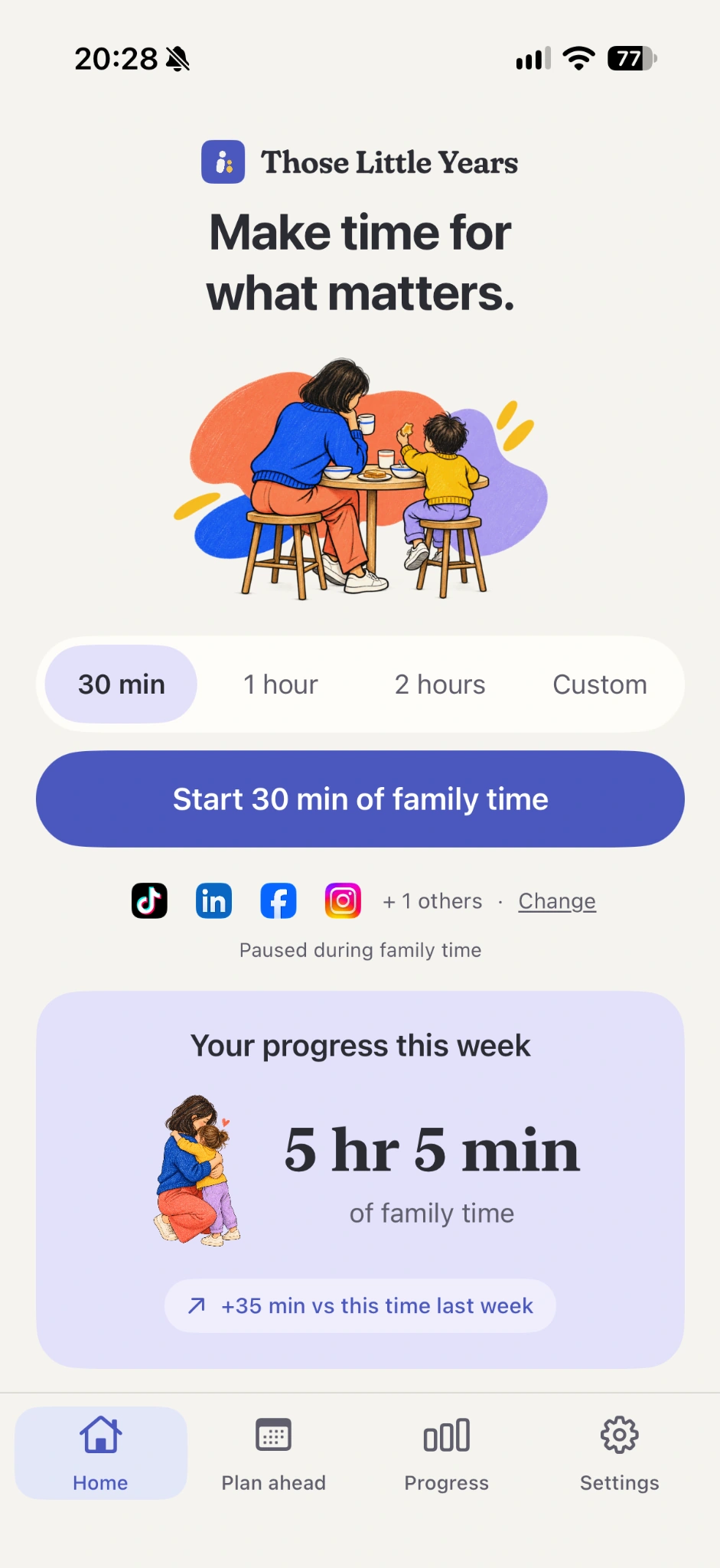

THE EVERYDAY IS EVERYTHING
The stories. The giggles. The walks
with nowhere to be.
Make a little more space for them.
A LITTLE MORE TIME TOGETHER
Choose the plan that works for you.
AU$49.99/ year
About AU$0.96/week · billed yearly
7-day free trial for eligible subscribers
Get the appAU$5.99/ week
Billed weekly
No free trial
Get the appAustralian pricing shown. See the App Store for your local price.
Subscriptions renew automatically unless cancelled. The yearly trial renews at AU$49.99/year unless cancelled at least 24 hours before it ends.
GOOD QUESTIONS
No. Those Little Years only works on your own iPhone. It’s for you, not your kids.
Screen Time is built for limits. Those Little Years is built for family time. Start a session with one tap, or use Plan ahead to set times that start automatically. Instead of a grey block screen, you get a gentle reminder of why you put the phone down.
Tap “End early” and wait 2 minutes for your session to finish. It’s your phone, and you’re in charge.
Yes. Pick the apps that pull you in, like social media, video or games. Everything else keeps working as normal.
Yes, unless you choose to pause them. Only the apps you select are paused, so your phone is still there if someone needs you.
Yes. Use Plan ahead to set family time for mealtimes, mornings, evenings or weekends, and sessions will start on their own. You can also start family time whenever you like.
No. The app uses Apple’s Screen Time framework, which keeps your app choices private. We can’t see which apps you picked, what you browse or what you post.
The yearly plan includes a 7-day free trial for eligible subscribers. You won’t be charged if you cancel at least 24 hours before the trial ends. You can cancel anytime in your iPhone Settings → your name → Subscriptions.
Not yet. Those Little Years is iPhone-only for now.
THOSE LITTLE YEARS